NBA Picker Wheel
Let the wheel decide your NBA team










.svg.webp&w=3840&q=75)


.svg.webp&w=3840&q=75)




Trending Wheels
1. What is NBA Picker Wheel?

NBA Picker Wheel is a random NBA team generator that helps you instantly select a team by spinning an interactive wheel. It includes all 30 NBA franchises and offers a fun way to make unbiased selections.
Whether you're choosing a team to support, creating challenges, or playing basketball-themed games with friends, the NBA Picker Wheel makes every decision fast, fair, and entertaining.
2. Key Features of the NBA Picker Wheel
Built specifically for basketball fans, the NBA Picker Wheel comes loaded with great features. You can spin through all 30 NBA franchises, filter your choices by conference, customize the odds by adjusting team weights, and easily keep track of your past spins.
3. How to Use The Random NBA Team Generator?
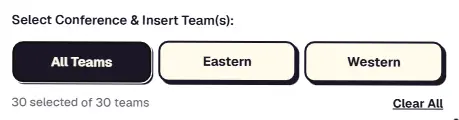
1. You can choose the "All Teams" option to include all 30 NBA teams in your spin. Additionally, a filter feature is available to narrow down the teams by conference (Eastern or Western) if you prefer a more specific draw.
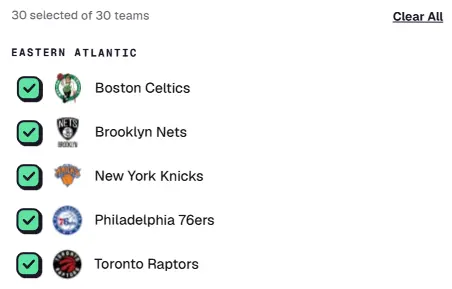
2. Set your own team list. You're free to add or remove any teams you want, so the wheel only includes the ones you actually care about.

3. Clear All. This button instantly unchecks every team on the list. Use it to quickly clear your selection and start picking your favorites from the beginning.

4. Want to include everyone? Just hit "Select All" to instantly check every team on the list. It’s the fastest way to get all 30 NBA teams ready for your spin!

5. Choose "Logo & Name", "Logo", or "Name" to decide how teams appear on the wheel and when the result is announced.
Keeping Score: The Winner History Panel
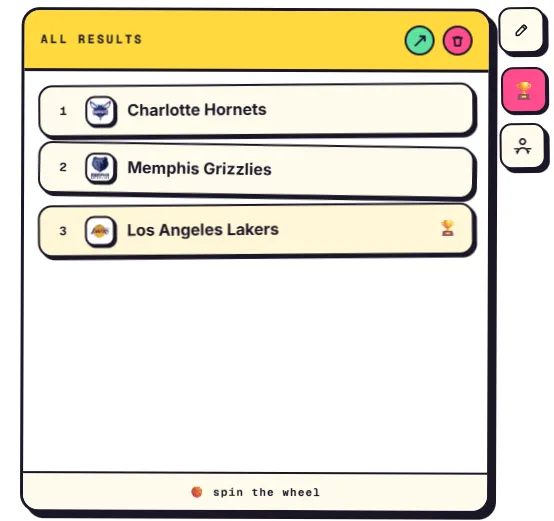
Click the trophy icon (🏆) next to the editor panel to open the Results panel. Every spin result is automatically saved to the list without any extra action required. Each winner will automatically appear in the results list. The first winner is placed at the top, followed by the results of each subsequent spin.
The most recent result sits at the bottom of the list, highlighted and marked with a 🏆 so it's easy to spot.
Adjusting the Odds: Team Weights
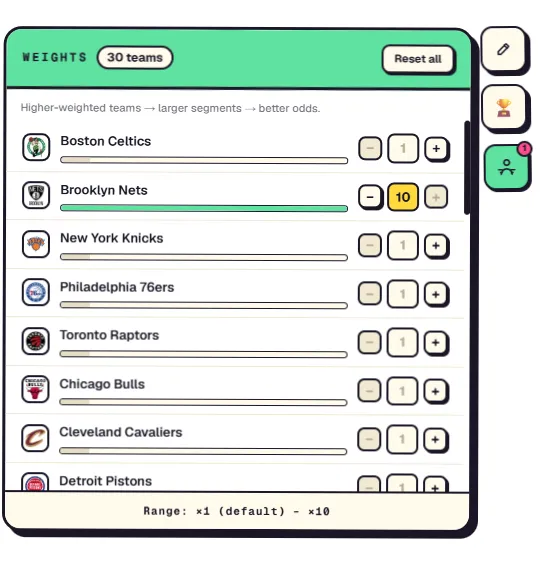
Want some teams to be selected more often than others? Open the Weights panel next to the editor and assign a weight to each team, from ×1 (default) up to ×10. You can use the − and + buttons, or enter a value directly into the input field to set each team's weight exactly how you want.
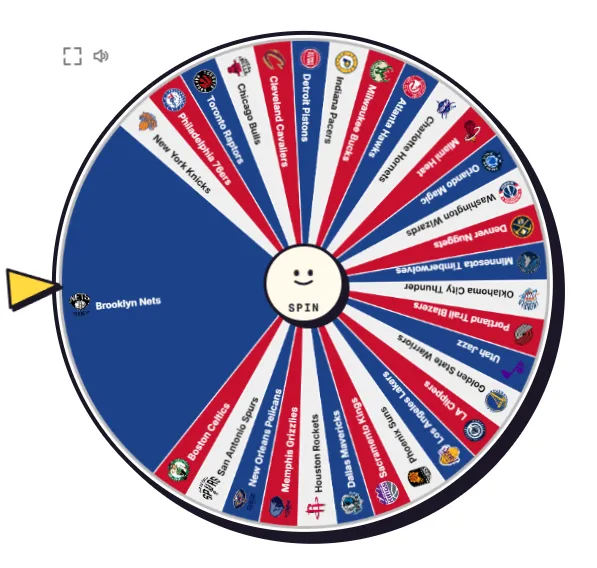
The higher the weight assigned to a team, the more space it occupies on the wheel, increasing its chances of being selected. The green bar next to each team provides a visual comparison of the odds and grows longer as the assigned weight increases. A weight of ×1 gives a team the standard chance of being selected, while higher weights increase its chances of being picked when the wheel is spun.
4. Spin Settings Explained
Click the gear icon to open the Spin Settings panel, where you can fine-tune how the wheel behaves before every draw. These options let you control the suspense, the timing, and the overall feel of each spin.
Surprise Spin
When the Spin button is pressed, the wheel starts spinning at full speed before gradually slowing down. Just when it looks like it's about to stop, the wheel suddenly makes one final quick spin before coming to a complete stop on the winning result. This effect makes each spin more exciting, as the winner remains unknown until the very last moment.
Mysterious Spin
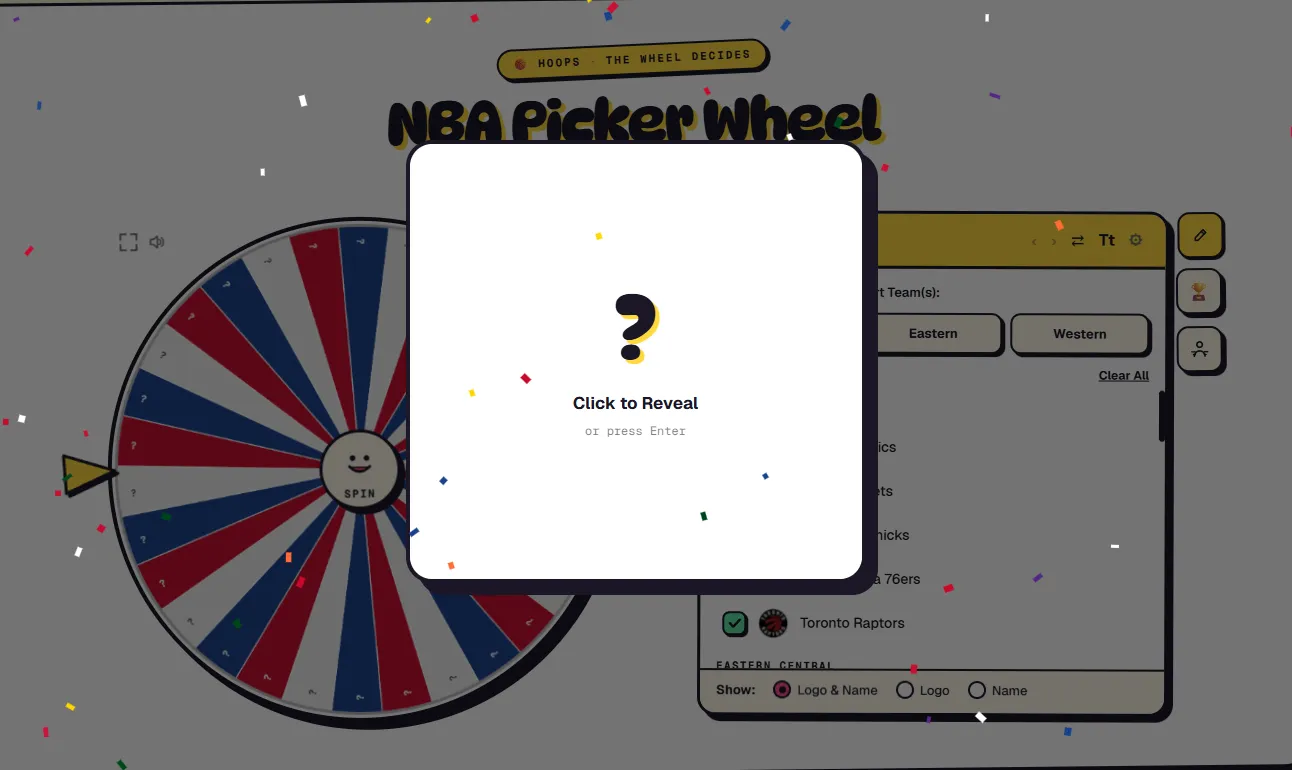
Turn this on to hide the team names and logos while the wheel spins, showing a "❓" instead.
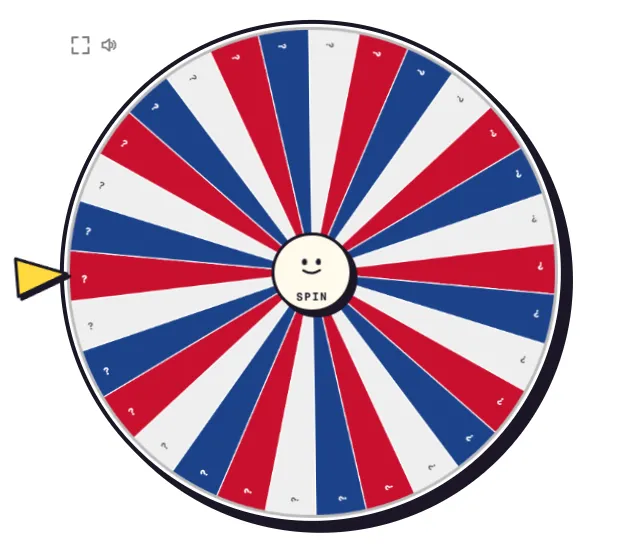
The winning team stays a secret until you "click to reveal" it — perfect for blind draws, challenges, or keeping the outcome a complete surprise.
Spin Speed
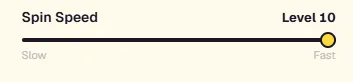
Adjust the wheel's rotation speed from level 1 (Slow) to level 10 (Fast). Higher speeds create a more dynamic spin, while lower speeds make it easier to follow the wheel's movement before the final result is determined.
Spin Duration
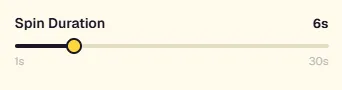
Use this slider to set how long each spin lasts, anywhere from 1 to 30 seconds. A shorter duration delivers quicker results, while a longer spin builds suspense before the selected team is finally revealed.